An app you drive. By chat, API or CLI.
Everything in Kissmetrics is callable. Ask the chat inside the app, script it from the CLI, or call it from your own workflow. It is the same system underneath.
# the same population, three ways.# 1. in the app, ask for it"everyone who bought twice and went quiet for 14 days"# 2. from the CLI$ kissmetrics populations create --from-question \$ "bought 2+ times, no activity in 14d"created population pop_4821 · 1,204 people# 3. from the API, in your own workflow$ POST /v1/populations { "question": "..." }201 { "id": "pop_4821", "people": 1204 }
The chat is not a bolt-on. It is one of three doors into the same modules.
Built to be driven by an agent, not just a person
Because every module is callable and every answer is a saved object with an id, an agent can do the whole loop without a human in the middle: ask a question, read the result, build the population, trigger the send, then check next week whether it worked. The chat inside the app is the same interface, pointed at itself.
Everything has an id
A metric, report or population you built once can be referenced, re-run and versioned.
Questions are reusable
The setup behind an answer is saved, so the same question runs the same way next month.
The loop closes
Campaign results land back in the same event stream, so the next question already knows.
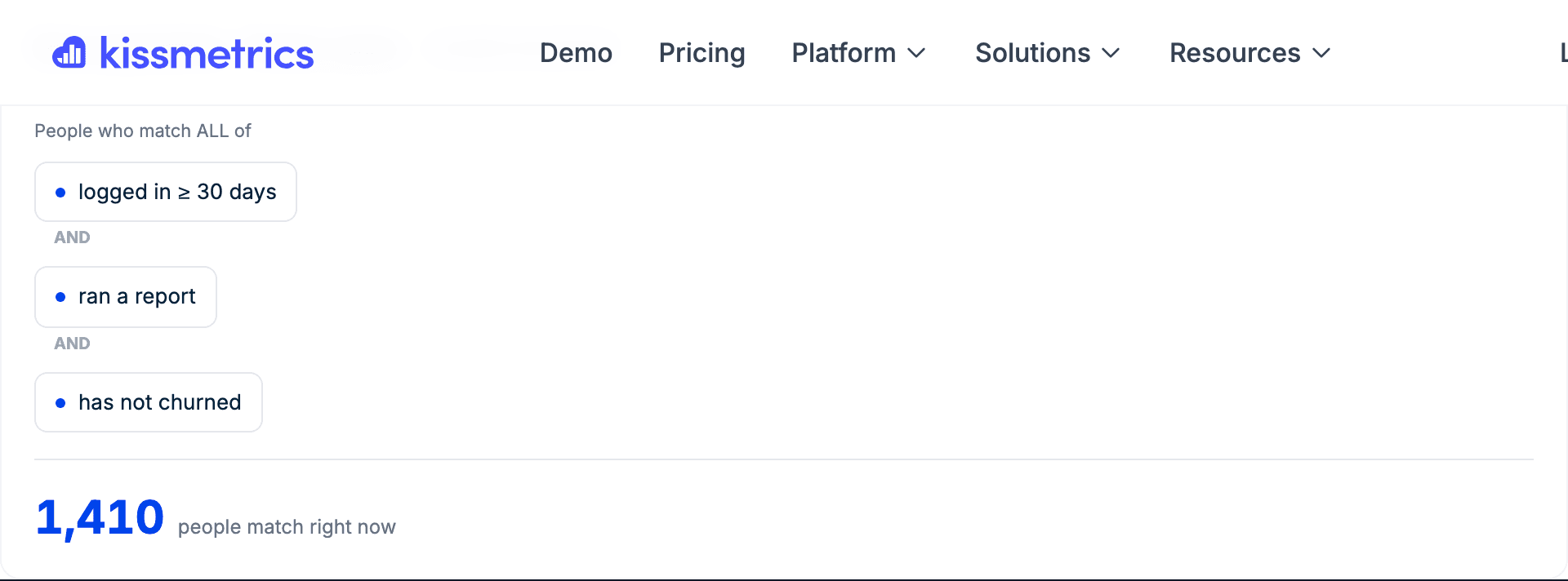
Turn any answer into a group of people
A population is a group defined by behaviour rather than a static list, so it keeps itself current. Build it from a question, then reuse it as a filter on every other report, or as the audience for a campaign. It is the join between analysis and action.
- Defined by what people did, so it updates itself
- Reusable as a filter across funnels, cohorts, revenue and the rest
- Exportable, or pushable to the tools where the work happens
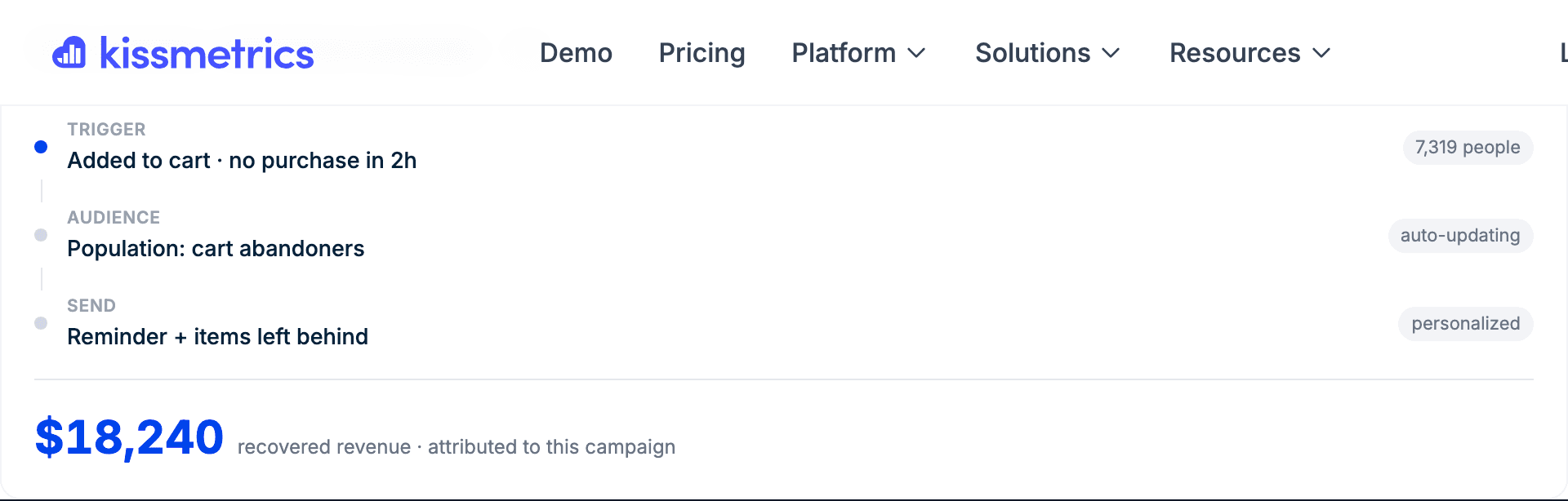
Send from the same place you found them
Once a population exists, it can be a trigger. When the behaviour happens, the message goes, from your own domain, with the content shaped by what that person actually did. No export, no sync lag, no second tool holding a stale copy of the segment.
- Behaviour is the trigger, not a schedule
- Sends from your own domain
- Attribution comes back into the same event stream
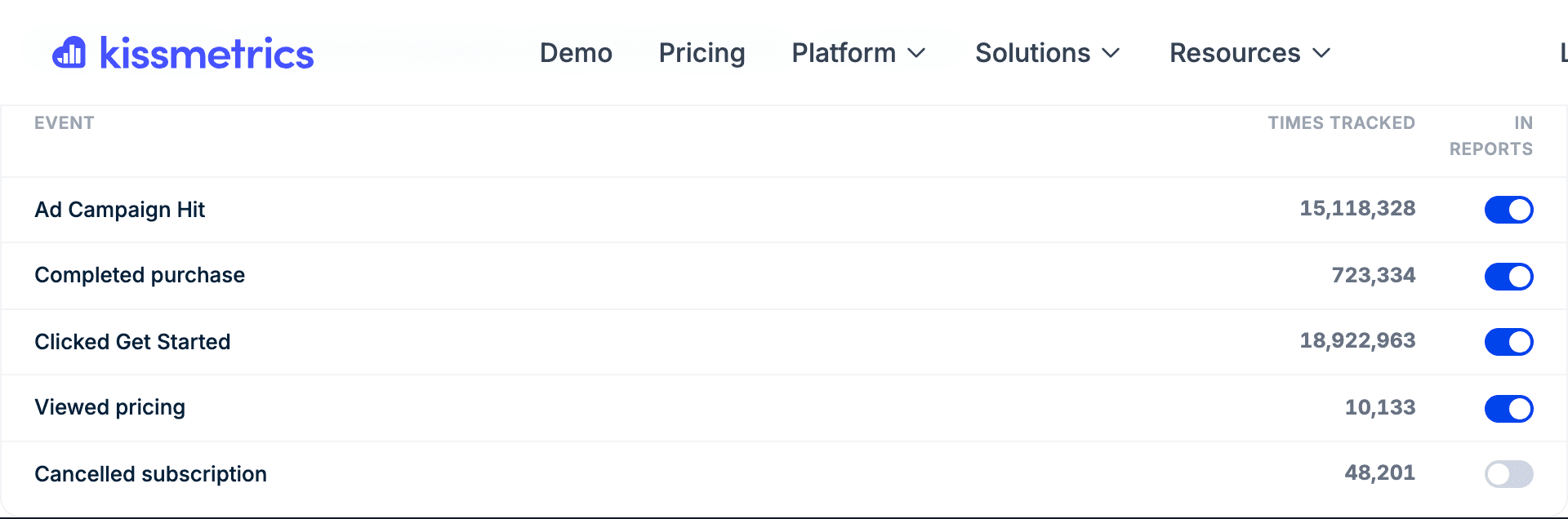
Or push it to the stack you already run
Nothing here demands you move your tooling. A population can be synced to your ad platforms, CRM or email tool, and events can be exported wherever you need them. Kissmetrics is meant to be the layer that knows who people are, not a walled garden.
- Push segments to ad platforms, CRM and email
- Export any report as a file, an image or an API call
- Bring data in from the tools you keep
How the parts fit together
Each module is useful alone. The point is that they are the same system, so what you do at the end becomes the data at the beginning.
Where this is going
Kissmetrics starts with the data, because owning the events is what makes everything else honest. The direction from here is to keep closing the distance between a question and the action it implies: more of the acquisition surface built in, behavioural messaging from your own domain, and scheduling so a report you asked for once arrives every week without anyone opening the app.
The goal is to be the marketing system of record for a growth team, rather than one more dashboard they check. Everything on this page is in the product today; the roadmap is about depth in the same loop, not a different one.

Give it your URL. It does the rest.
Free to start, no card. Tracking, attribution and your first dashboard in under a minute.
Want a hand? Get a live demo