Get Data Out
Your data belongs to you. Export it in any format, to any destination, on any schedule.
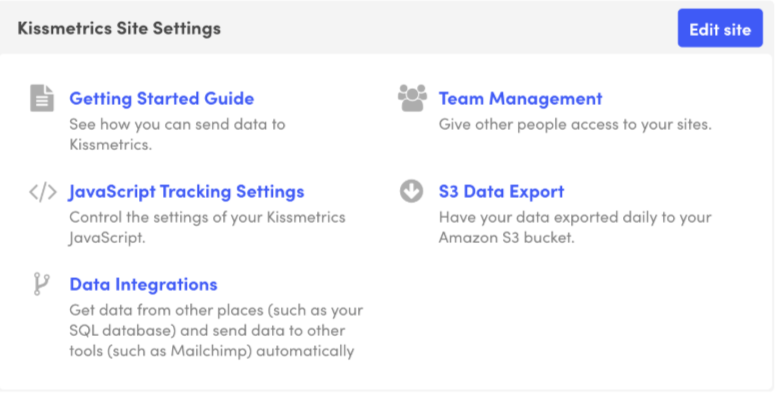
Export Options
Multiple ways to get your data out of KISSmetrics and into your other tools.
S3 Data Export
Automatic export of all your raw event data to your own S3 bucket every 2 hours.
- Full event-level data
- JSON format with all properties
- 6 months of historical data
- Automatic 2-hour sync
Data: Every event, property, and identity
CSV Export
Download any report or query result as a CSV file for spreadsheets and BI tools.
- Export any report
- Custom date ranges
- Filtered results
- Direct download
Data: Report results with all columns
Scheduled Reports
Automatically send report results to email or webhooks on a schedule.
- Daily, weekly, monthly schedules
- Email delivery
- Webhook integration
- Multiple recipients
Data: Report metrics and trends
REST API
Programmatically query and export any data via our comprehensive API.
- Query any report type
- Export to CSV or S3
- Real-time data access
- Build custom pipelines
Data: Full access to all data
Population Export
Export user segments (Populations) for use in external tools and campaigns.
- Export user lists
- Include any properties
- Sync to Mailchimp
- API access
Data: User identities and properties
SQL Query Export
Write custom SQL queries and export the results in any format.
- Full SQL support
- Join across data types
- Export results
- Save and schedule queries
Data: Custom query results
Raw Data Format
S3 exports deliver JSON files with complete event data
_pPerson identity (email or ID)_tUTC Unix timestamp_nEvent nameCustom propertiesAll properties sent with the eventExample event:
{
  "_p": "user@example.com",
  "_t": 1704067200,
  "_n": "Purchased",
  "plan": "Pro",
  "revenue": 99.00,
  "source": "google"
}
What Teams Do With Exports
Common ways teams use exported data.
Feed Your Data Warehouse
Export raw events to S3, then load into Snowflake, BigQuery, or Redshift for cross-platform analysis.
Power BI Dashboards
Connect BI tools like Tableau, Looker, or Power BI to your exported data for custom visualizations.
Sync Segments to Ad Platforms
Export high-value user segments and upload to Facebook, Google, or LinkedIn for targeted ads.
Backup and Compliance
Keep a complete copy of your analytics data in your own infrastructure for compliance and backup.
Machine Learning
Use exported event data to train ML models for churn prediction, recommendations, or scoring.
Executive Reporting
Schedule weekly reports to stakeholders with key metrics and trends automatically.
Your Data, Your Control
We've been trusted with customer data since 2008. Your data is yours - export it anytime, in full, with no restrictions. No vendor lock-in.
Documentation